What Is the Difference Between SSD and HDD?

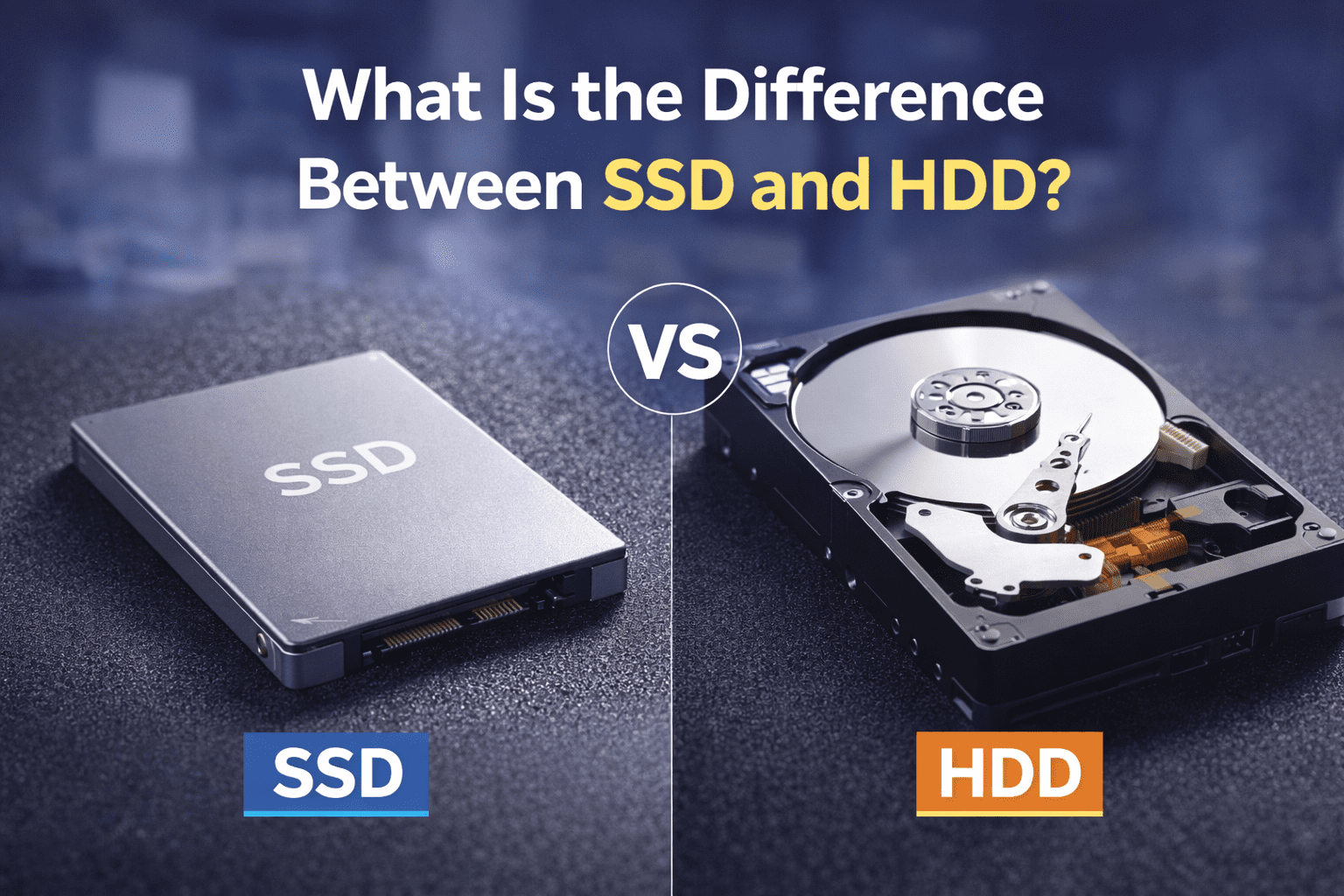
When buying a new laptop, desktop, or upgrading an existing computer, one question comes up again and again: What is the difference between SSD and HDD? Storage plays a critical role in system speed, performance, durability, and overall user experience. Yet many users are still unsure which option is better for their needs.
In this detailed guide, we will clearly explain the Difference Between SSD and HDD, how each storage type works, their advantages and disadvantages, pricing in India, and which one you should choose in 2026. This blog is written for students, professionals, gamers, office users, and anyone planning to upgrade their system.
What Is an HDD (Hard Disk Drive)?
An HDD, or Hard Disk Drive, is a traditional storage device that has been used in computers for several decades. It stores data on spinning magnetic disks known as platters. A mechanical arm moves across the surface of these platters to read and write data.
Because HDDs rely on physical movement, their speed is limited compared to modern storage solutions. However, they are still widely used due to their affordability and high storage capacity.
Key Characteristics of HDD
HDDs use rotating disks
They contain moving mechanical parts
They offer large storage at a lower cost
They are commonly available in 500GB, 1TB, 2TB, and higher capacities
HDDs are still popular for desktops, backup storage, and users who need large space at a lower price.
What Is an SSD (Solid State Drive)?
An SSD, or Solid State Drive, is a modern storage device that uses flash memory instead of moving parts. Data is stored electronically, which allows much faster access compared to HDDs.
Because SSDs have no mechanical components, they are faster, more durable, quieter, and more energy-efficient.
Key Characteristics of SSD
SSDs have no moving parts
They provide extremely fast read and write speeds
They improve system boot time and performance
They are available in SATA and NVMe variants
SSDs are now the preferred choice for laptops, gaming systems, and professional workstations.
Difference Between SSD and HDD Explained Clearly
Understanding the Difference Between SSD and HDD becomes easy when we compare them across real-world usage factors.
Speed and Performance
Speed is the most noticeable difference.
SSDs are significantly faster than HDDs.
An SSD can boot a system in under 15 seconds.
An HDD may take 40 to 60 seconds to boot.
Applications open faster, files transfer quicker, and overall system responsiveness improves dramatically with SSDs.
Winner: SSD
Storage Capacity
HDDs offer more storage at a lower price.
SSDs are faster but cost more per gigabyte.
HDDs are commonly used when large storage is required, such as storing movies, backups, and large files.
Winner: HDD
Price Comparison in India
Price is an important factor when comparing the Difference Between SSD and HDD.
Approximate prices in the Indian market:
1TB HDD: ₹2,800 – ₹3,500
500GB SSD: ₹2,500 – ₹3,200
1TB SSD: ₹5,000 – ₹7,000
HDDs are cheaper, while SSDs provide better performance at a higher cost.
Winner: HDD (for budget storage)
Durability and Reliability
HDDs contain moving parts, which makes them vulnerable to damage from drops or shocks.
SSDs have no moving parts, making them more durable and reliable.
This is especially important for laptops and portable systems.
Winner: SSD
Noise and Heat
HDDs produce noise due to spinning disks and generate more heat.
SSDs operate silently and remain cooler even under load.
Winner: SSD
Power Consumption
SSDs consume less power, which improves battery life in laptops.
HDDs consume more power due to mechanical operations.
Winner: SSD
Weight and Portability
SSDs are lighter and slimmer.
HDDs are heavier and bulkier.
Winner: SSD
Summary of Difference Between SSD and HDD
SSD offers:
Faster speed
Better durability
Lower power consumption
Silent operation
HDD offers:
Higher storage capacity
Lower cost per GB
This clear Difference Between SSD and HDD helps users decide based on performance versus storage needs.
Types of SSD You Should Know
SATA SSD
Affordable
Much faster than HDD
Ideal for upgrading old laptops
NVMe SSD
Extremely fast
Best for gaming and professional work
Requires system compatibility
If your system supports NVMe, it is the best option in 2026.
Which One Should You Choose?
Choose SSD If:
You want faster performance
You use your laptop or PC daily
You want quicker boot and app loading
You are a student, professional, or gamer
Choose HDD If:
You need large storage at low cost
You store movies, photos, or backups
Speed is not a priority
Many users today prefer a combination of both.
Best Setup in 2026: SSD + HDD Combination
The most practical solution is using both storage types.
SSD for:
Operating system
Software and applications
Games
HDD for:
Movies and videos
Photos and backups
Large files
This setup offers the best balance between speed and storage.
Why Upgrade from HDD to SSD?
Upgrading from HDD to SSD can:
Make an old laptop feel new
Reduce boot time drastically
Improve multitasking
Increase productivity
Improve battery life
It is one of the most cost-effective upgrades available today.
Where to Buy SSD or HDD in Delhi?
If you are planning to buy or upgrade storage, you can contact BuyShuy, a trusted electronics and computer accessories store in Delhi.
BuyShuy Contact Details
Address:
Safdarjung Enclave, New Delhi – 110029, India
Phone Number:
+91 7289895689
At BuyShuy, you get:
Original branded SSD and HDD
Expert guidance for upgrades
Competitive pricing
Local support and service
If you want to buy SSD or HDD or need help choosing the right option, contact BuyShuy today.
Frequently Asked Questions (FAQs)
1. What is the main difference between SSD and HDD?
The main difference is speed. SSDs are much faster than HDDs.
2. Is SSD better than HDD for laptops?
Yes, SSD is better due to faster performance, durability, and battery efficiency.
3. Can I replace HDD with SSD in my old laptop?
Yes, most laptops support SSD upgrades.
4. Which is better for gaming, SSD or HDD?
SSD is better because it reduces loading times.
5. Is HDD still useful in 2026?
Yes, HDD is useful for large storage and backups.
6. How much SSD storage is enough?
512GB SSD is ideal for most users.
7. Does SSD increase FPS in games?
SSD improves loading times but does not directly increase FPS.
8. Which lasts longer, SSD or HDD?
SSDs generally last longer due to no moving parts.
9. Are cheap SSDs safe to buy?
Only buy SSDs from trusted brands and sellers.
10. Where can I buy original SSD and HDD in Delhi?
You can buy original SSDs and HDDs from BuyShuy in Safdarjung Enclave, Delhi.
Final Conclusion
Understanding the Difference Between SSD and HDD is essential before buying or upgrading your computer. SSDs provide speed, durability, and better performance, while HDDs offer affordable large storage. In 2026, SSDs are the preferred choice for most users, but HDDs still serve an important purpose for storage-heavy needs.
If you are confused about which storage to choose, visit or contact BuyShuy for expert advice and genuine products.